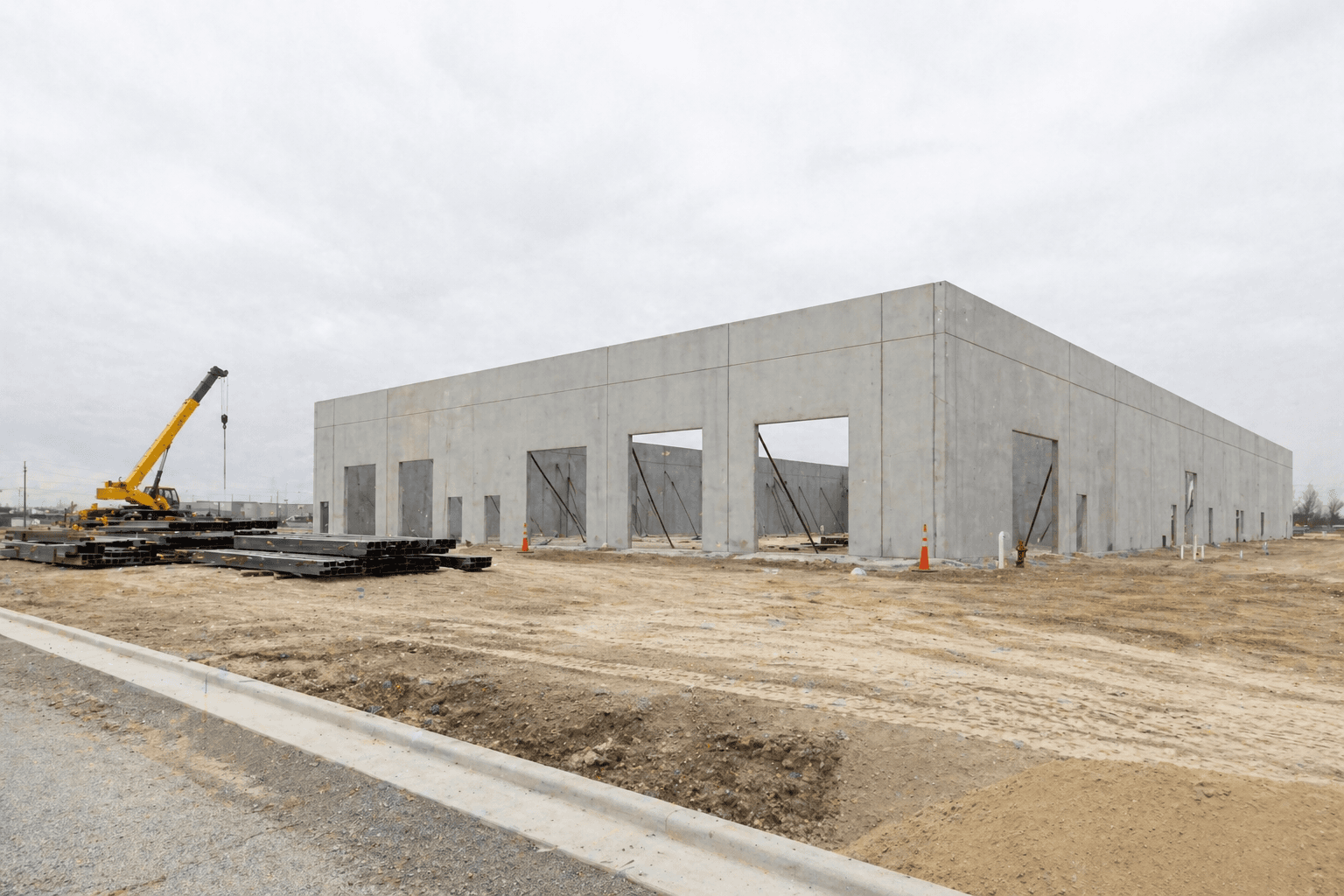
The owner thinks the daily report is a record of what happened on site. The PM thinks it's a compliance step. The super thinks it's the thing they fill out at 5:50 p.m. when they want to be in the truck heading home.
Three different ideas about the same document. That's why it never works the way anyone wants it to.
What Everyone Believes Is Happening
The narrative is clean. The super observes the day. They record manpower, weather, work completed, deliveries, issues, and safety items. The report goes to the PM. The PM reads it. The PM uses it to manage the schedule, flag problems, and report up to the owner. The owner gets a steady drumbeat of project information and is informed.
It's a tidy story. It is also not what's actually happening.
What's Actually Happening
The super opens a Word doc with whatever template the PM sent at the start of the project. They type. They eyeball manpower because they didn't keep a running count. They write "weather: clear" even though it rained for forty-five minutes that morning and slowed concrete placement. They list two issues, not the four that actually came up, because the third was minor and the fourth they're hoping nobody notices.
The report becomes a PDF. The PDF lands in a folder. The PM opens it on Friday afternoon when they need to write a weekly update, and that's the only time the report gets read.
The owner gets the weekly summary. The owner doesn't read the dailies. The dailies are not a decision-making tool. They're a deposition document, waiting.
The Gap Isn't Lack of Effort
Supers aren't slacking. They're working a 10–12 hour day and the report is the last thing on the list. The format isn't structured. The data isn't comparable across days. The system doesn't surface anything useful from the data they enter.
So the report becomes performative. Compliance. A box check.
What a Useful Daily Report Actually Looks Like
Fields, in order: date, project, weather (with timestamp if conditions change), manpower by trade (counts that match what the foreman pulled at lunch), work completed (with location/area), deliveries received, inspections, issues or delays (with one-line context), safety observations, and photos.
Some specs require more—subcontractor attendance with names and hours, equipment inventory, environmental conditions for concrete pours. Read the spec at project start, not at month four when the owner asks why a required field is missing.
The format has to be the same every day. Not because formatting matters for its own sake. Because the day you actually need to compare last Tuesday to this Tuesday, the data has to match.
Where the Friction Drops
Pre-filled fields. Project name, date, super name, default weather (with edits allowed). The super isn't typing those.
Voice-to-text on mobile. Speak the work-completed paragraph. Edit it before submitting. Faster than thumbs at 5:50 p.m.
Manpower from a sub sign-in if you have one. The super shouldn't be guessing. The data already exists somewhere.
A workflow that pushes the report into the PM system, notifies the right people, and flags anomalies—zero manpower, repeated issues, weather delay. The super submits. The system distributes.
What the Owner Actually Wants
When an owner asks for a summary of weather delays at month four, the win isn't a fast PDF search. The win is a filter against structured data. "Days with weather delay = Yes." Total. Date list. Five seconds.
When the owner asks about manpower trends, you pull a chart. Not because charts impress owners (they don't). Because the chart shows you the same answer faster than scrolling through ninety PDFs, and you give it to them in the same call.
When the owner asks about a specific issue, you pull every daily report that referenced it. Same logic. The report stops being a file and starts being a data source.
The Hard Tradeoffs Nobody Names
Don't burden the field with a 30-field form. The super won't fill it out. They'll fill out the first eight fields and skip the rest. Pick the fields that matter most. Move the optional ones to a weekly or as-needed report.
Daily reports become legal documents. If a claim arises, the dailies are evidence. Train the field to write facts, not opinions. "Concrete placement delayed 90 minutes due to rain" is fact. "The architect's design caused issues today" is opinion that will be used against you in mediation.
Privacy. Manpower counts are routine. Individual names with hours can carry payroll implications. Know what you're capturing and who has access.
Voice-to-text and AI summarization speed up entry but introduce error. Review before submission. The super signs off on the official record. Not the model.
The right framing for the field isn't "fill out this form." It's "capture what happened." When the format supports the second framing, the data gets cleaner. When it forces the first framing, the data gets performed.